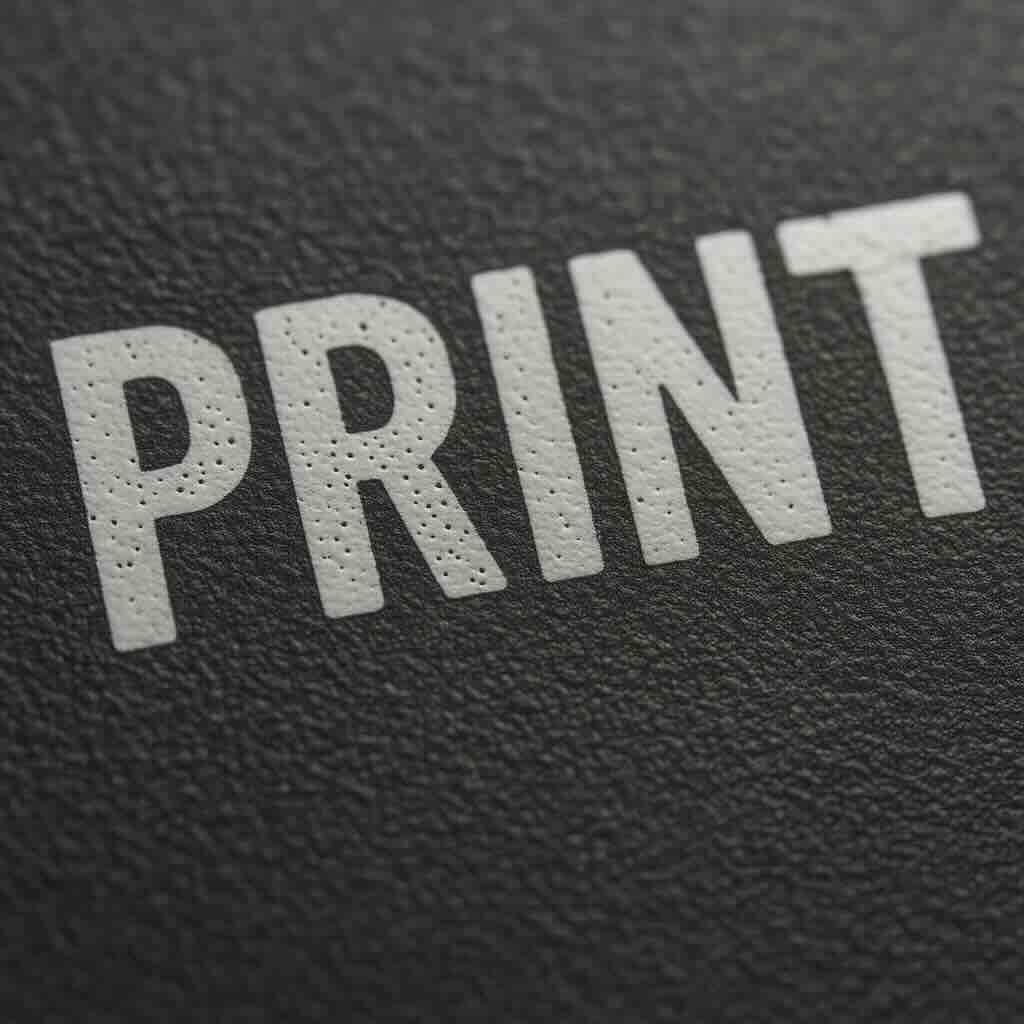
Common Causes of Pinholes
Several variables can contribute to pinholes in pad printing. The main culprits typically include:
1. Contaminated Substrate
Dust, oil, mold release agents, or fingerprints on the surface can repel ink. Even microscopic particles can cause visible pinholes.
Fix:
2. Improper Ink Viscosity
Ink that’s too thick doesn’t flow smoothly, trapping air bubbles or failing to cover the surface completely.
Fix:
Add thinner or solvent gradually to achieve the correct viscosity for your environment (temperature and humidity affect this).
Mix thoroughly and allow the ink to rest so that trapped air can escape before printing.
3. Incorrect Pad Pressure or Dwell Time
Too little pressure may cause incomplete transfer; too much can squeeze ink away. Similarly, insufficient dwell time can cause incomplete ink pickup or release.
Fix:
4. Poor Pad Condition
A damaged, dirty, or overly glossy pad surface can prevent uniform ink transfer.
Fix:
5. Improper Cliché Etch Depth
A cliché that is too shallow or too deep can hold the wrong amount of ink, leading to uneven transfer and pinholes.
Fix:
Verify etch depth matches the ink type and pad durometer.
Standard depths usually range from 18–25 microns, but check ink manufacturer recommendations.
6. Environmental Conditions
Temperature and humidity influence solvent evaporation rates and ink behavior. Rapid solvent loss can cause bubbles or incomplete wetting.
Fix:
7. Air Entrapment During Mixing
When ink, hardener, and thinner are mixed too vigorously, air bubbles can form and remain in the ink film during printing.
Fix: