How to Get Rid of Pinholes in Pad Printing

Pad printing is a versatile method for decorating and marking objects of nearly any shape or material. However, one of the most common quality issues faced in this process is the appearance of pinholes—tiny unprinted spots or voids in the ink layer. These defects can ruin the final look of a product and indicate underlying process problems. Understanding the causes and how to correct them is essential for achieving consistent, high-quality prints.

What Are Pinholes?

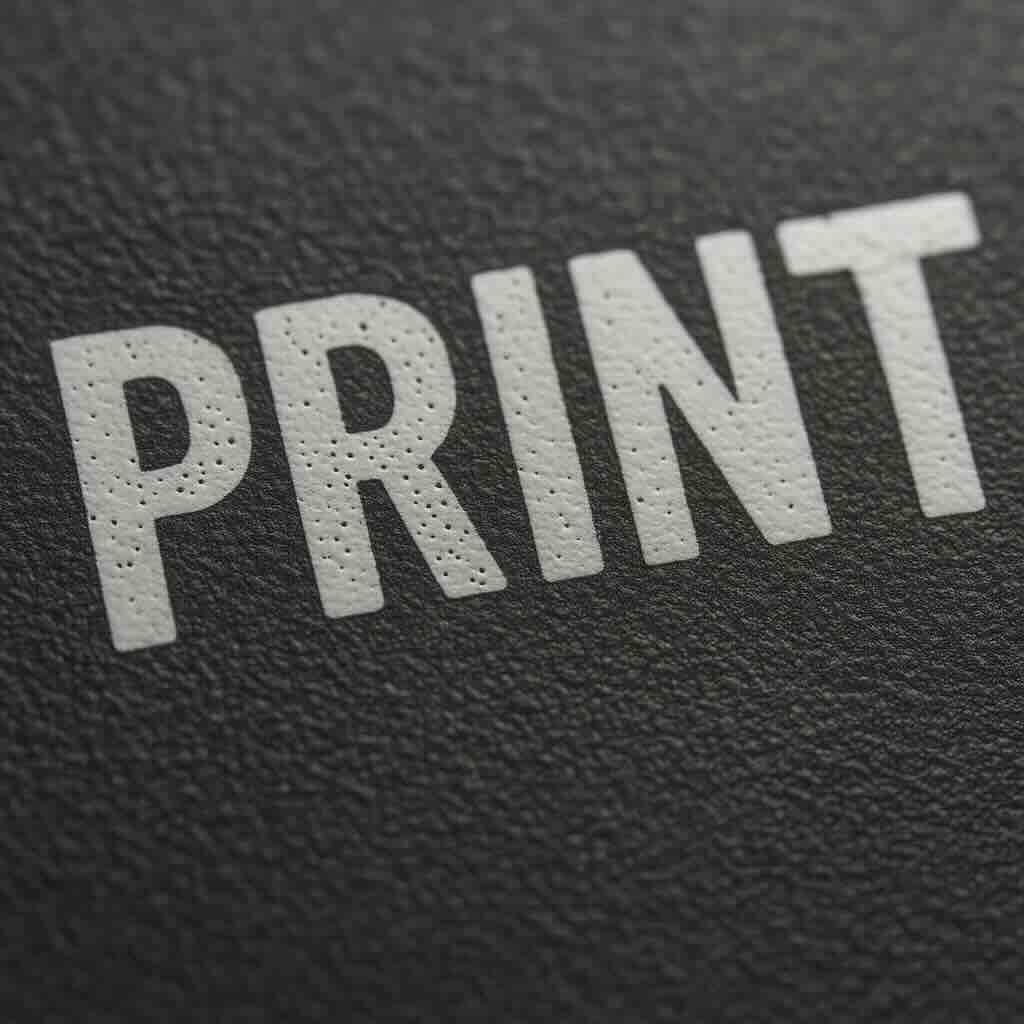
Pinholes are small, circular voids that appear in the printed image. They often look like tiny white dots (on dark ink) or transparent spots (on clear or light-colored substrates). Pinholes indicate that the ink failed to transfer properly from the pad to the substrate, leaving microscopic gaps.

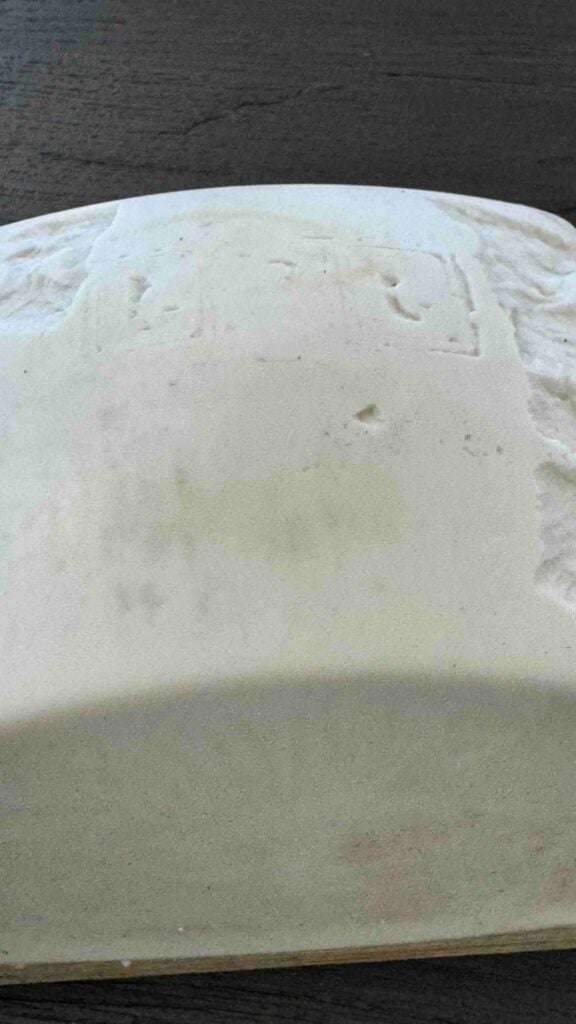
Pinholes in pad printing

Common Causes of Pinholes

Several variables can contribute to pinholes in pad printing. The main culprits typically include:
1. Contaminated Substrate
Dust, oil, mold release agents, or fingerprints on the surface can repel ink. Even microscopic particles can cause visible pinholes.
Fix:
  • Clean the substrate using isopropyl alcohol or an approved solvent before printing.
  • Implement an air blow-off or ionized air system to remove dust.
  • Use gloves when handling parts to avoid skin oils.
 
2. Improper Ink Viscosity
Ink that’s too thick doesn’t flow smoothly, trapping air bubbles or failing to cover the surface completely.
Fix:
  • Add thinner or solvent gradually to achieve the correct viscosity for your environment (temperature and humidity affect this).
  • Mix thoroughly and allow the ink to rest so that trapped air can escape before printing.
 
3. Incorrect Pad Pressure or Dwell Time
Too little pressure may cause incomplete transfer; too much can squeeze ink away. Similarly, insufficient dwell time can cause incomplete ink pickup or release.
Fix:
  • Adjust pad pressure to achieve full contact without distortion.
  • Ensure proper dwell time on the cliché (to pick up ink) and on the part (to transfer it).
 
4. Poor Pad Condition
A damaged, dirty, or overly glossy pad surface can prevent uniform ink transfer.
Fix:
  • Clean pads regularly using adhesive tape or a mild solvent wipe.
  • Store pads properly to prevent deformation and contamination.
 
5. Improper Cliché Etch Depth
A cliché that is too shallow or too deep can hold the wrong amount of ink, leading to uneven transfer and pinholes.
Fix:
  • Verify etch depth matches the ink type and pad durometer.
  • Standard depths usually range from 18–25 microns, but check ink manufacturer recommendations.
 
6. Environmental Conditions
Temperature and humidity influence solvent evaporation rates and ink behavior. Rapid solvent loss can cause bubbles or incomplete wetting.
Fix:
  • Maintain stable printing room conditions (typically 20–25°C and 40–60% humidity).
  • Use slower-drying solvents in warm or dry environments.
 
7. Air Entrapment During Mixing
When ink, hardener, and thinner are mixed too vigorously, air bubbles can form and remain in the ink film during printing.
Fix:

  • Mix slowly and gently using a stirrer or spatula.
  • Select the correct pad.
  • Allow the ink to stand for a few minutes before use to let trapped air escape.

Preventive Measures

To minimize pinhole occurrence, adopt these best practices:
  • Always follow the ink supplier’s technical data sheet (TDS) for mixing ratios and open time.
  • Keep a clean and controlled work area.
  • Perform regular preventive maintenance on equipment, pads, and clichés.
  • Conduct test prints at the start of each production run to confirm quality.
Pinholes in pad printing

Conclusion

Pinholes in pad printing are a common but preventable issue. By maintaining cleanliness, ensuring correct ink viscosity, managing environmental conditions, and optimizing pad and cliché parameters, you can eliminate pinholes and achieve smooth, uniform prints every time. Consistency in process control is the key to professional, defect-free pad printing.

About Automark

Automark is a leading provider of pad printing, screen printing, and digital decorating solutions. The company supplies innovative equipment, inks, and consumables that help manufacturers achieve high-quality product decoration across diverse materials and industries.


Contact:
Caroline Whitlock

info@automarkco.com

512.593.7100

For further information visit Automark’s website at www.automarkco.com or contact them directly at sales@automarkco.com or via phone at 512-593-7100.

Like this article?

Share on Facebook
Share on Twitter
Share on Linkdin
Share on Pinterest
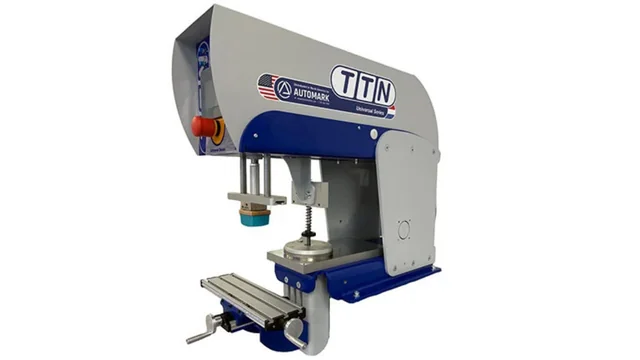
TTN Universal 134 single-color pad printing machine with a 134mm ink cup, a robust industrial printer distributed by Automark.
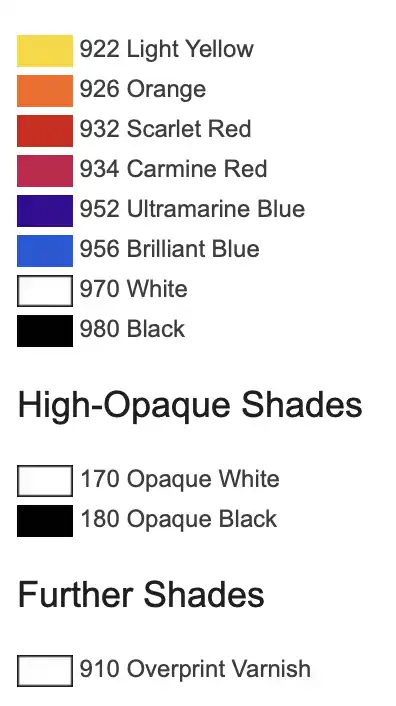
Marabu TPT Ink Color Chart